Windows 10 & 11 · Free
Make your PC feel the way it did on day one.
Years of temp files, stale cache and self-launching apps quietly bury the machine you paid for. We show you exactly what to remove — and hand you one command that does the heavy lifting.

Speed Up Your PC With One Command
Grab the command using the button on the right
- How it works: the Run box opens with Win + R held together.
- The command goes into the white field, then Enter.
- Once it completes — the clutter is gone and the machine runs lighter. Your result page is one click away.
For reference — what the Run dialog looks like
Type the name of a program, folder, document, or Internet resource, and Windows will open it for you.
Seeing the Start menu instead? That happens when the keys go in one after the other — they should be pressed as a pair. Other ways to reach the same box: right-click the Start button and pick Run, or search for run in Start. The command goes into the white field, exactly as in the picture above.
142 cleanups completed through this page today.
Is this safe to run?
Only Windows' own built-in utilities are involved — no downloads, no installs, and your personal files stay exactly where they are.
What will I see after it finishes?
The clutter is gone. Plenty of readers tell us apps open more briskly afterwards — the result page has the summary.
Under the hood
What the command actually removes
Nothing you use. Only the dead weight Windows never cleaned up after itself.
Temporary files
Installers, update scraps and crash dumps that were meant to be deleted and never were.
Stale cache
Cache helps when fresh and hurts when months old. The command keeps the first kind, clears the second.
Leftovers & bin bulk
Traces of uninstalled programs, old logs, and gigabytes still sitting in the Recycle Bin.
Popular reads
Start with the article that matches your PC
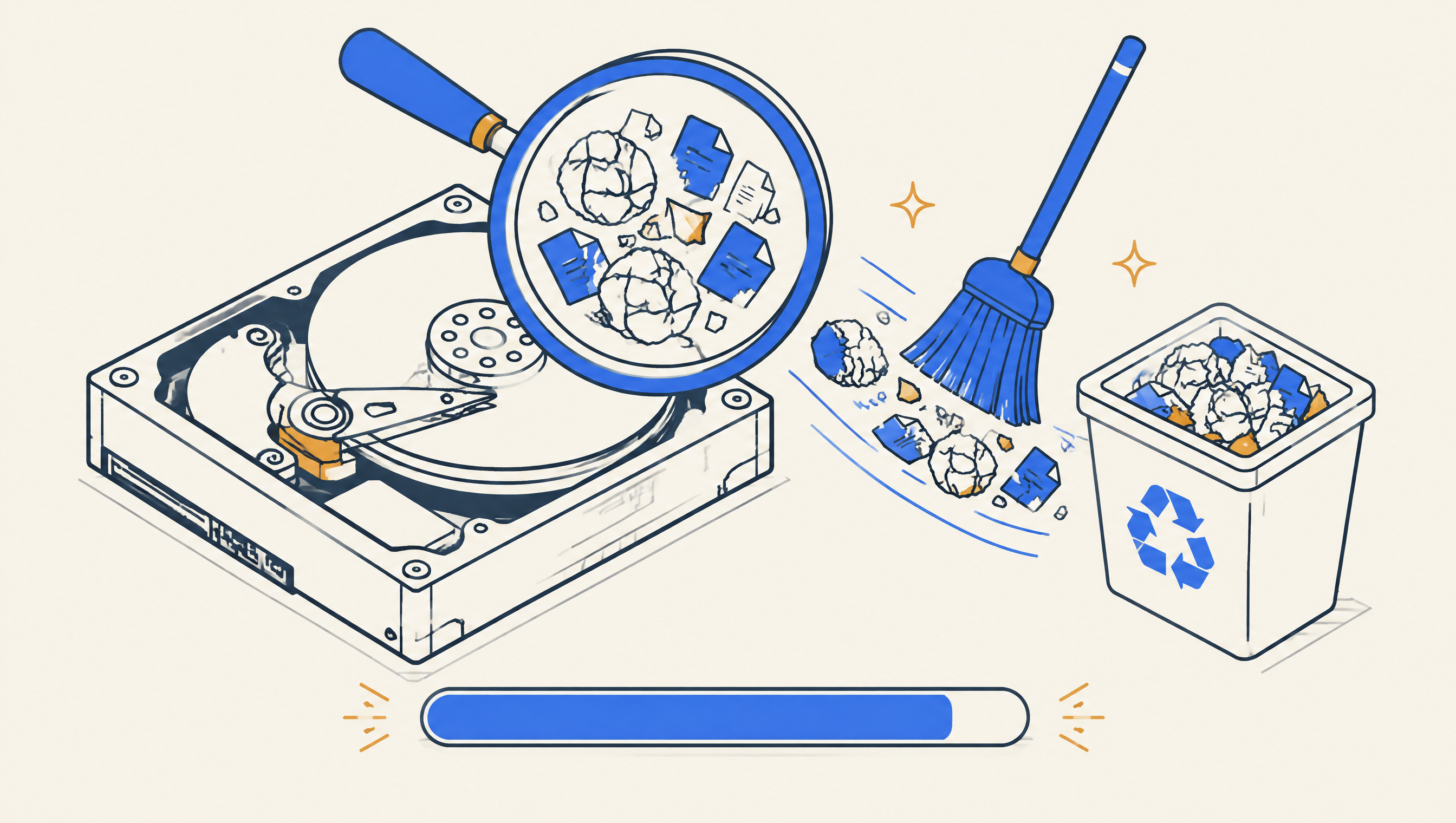
What a cleanup command actually removes
Temp files, aged cache, orphaned leftovers, bin bulk and old update packages — a tour of the five kinds of dead weight every Windows machine collects.
Read the article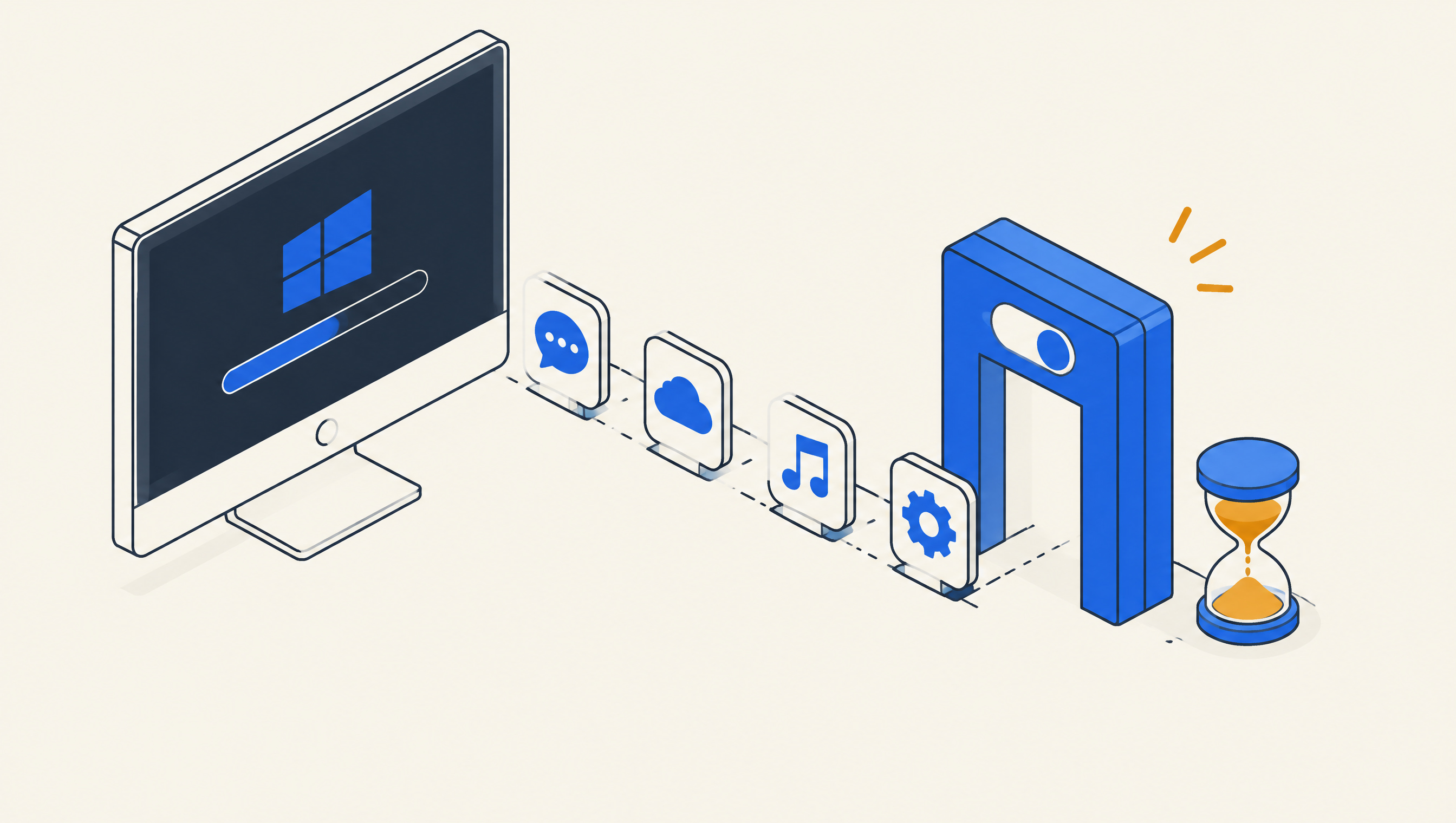
The boot queue: why startup apps crawl your morning
Before the desktop appears, a crowd of helpers fights for the first ten seconds. Cutting that line is the cheapest speed you will ever find.
Read the article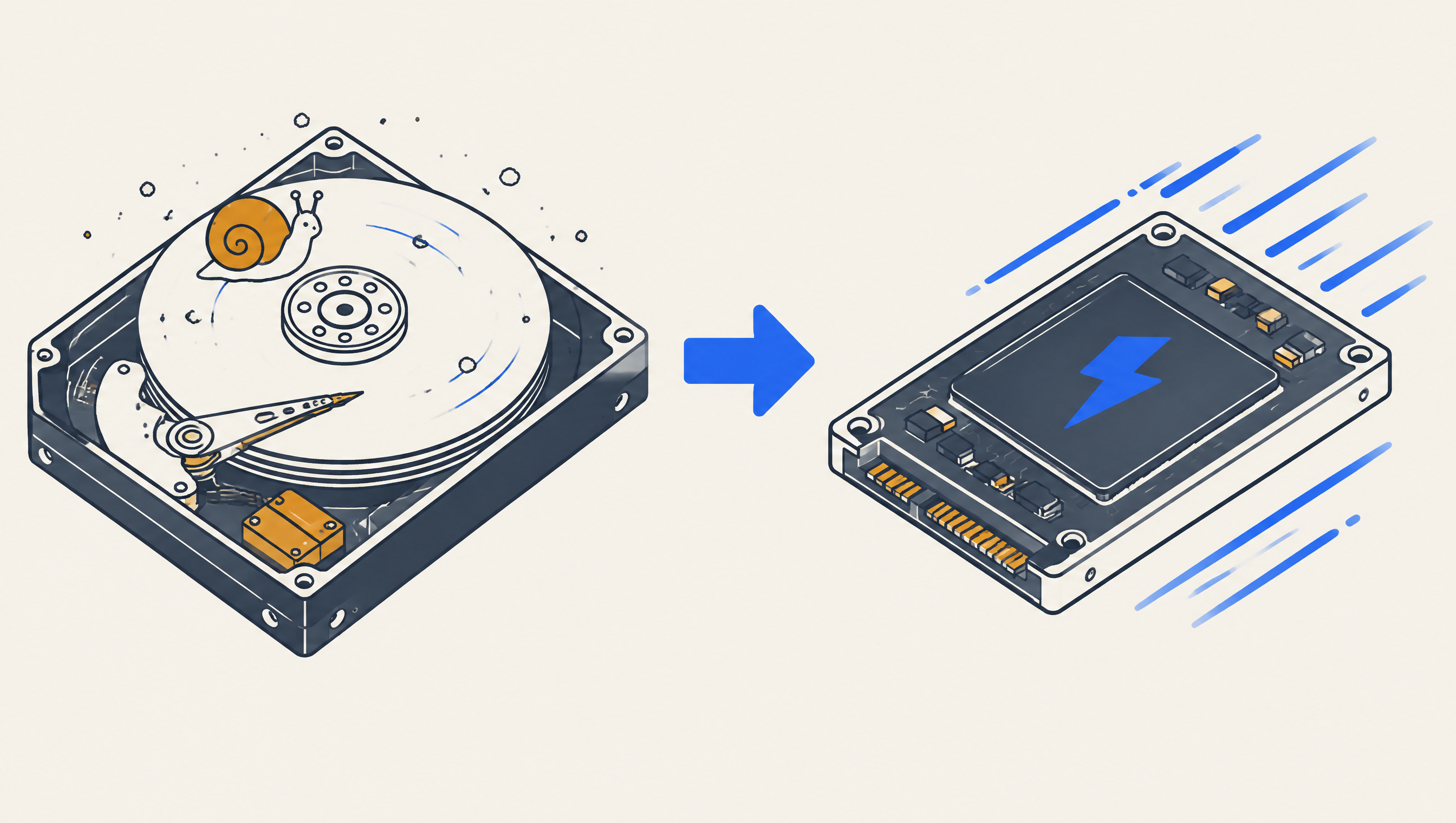
HDD vs SSD: the upgrade that feels like a new PC
A spinning platter reads data with moving parts; an SSD has none. Why the cheapest hardware ladder rung transforms every launch.
Read the article
Staying fast without thinking about it
A cleanup is an event; a fast PC is four small habits. The 80/20 that keeps nearly every home machine feeling new for years.
Read the articleWant a human to do it? Our master cleans PCs online
An experienced technician works on your machine live while you watch every move — payment happens once the session wraps and you are satisfied.
- 30–45 minute session, scheduled around you
- Deep pass: startup, registry, cache, junk
- Before-and-after speed numbers you can see
We call you back within one business day.